A website audit is a structured check of whether a site can be found, used and trusted, ending in a ranked list of fixes rather than a score. What use is a healthy-looking report if a customer still can't find the right service or send an enquiry?
For a plumber, that might mean helping someone check emergency coverage and call. For an accountancy practice, it might mean explaining a service clearly enough that a business owner feels ready to arrange a conversation. A useful audit tests those outcomes, not just the machinery behind the pages.
Table of Contents
What a Website Audit Is and Why Small Firms Need One
A website audit examines the foundations of a working business website. It connects technical faults, unclear information and awkward contact journeys to the tasks customers need to complete.
The closest comparison is a building survey. A surveyor examines the structure and essential services rather than judging the paint colour. Similarly, a website auditor checks whether search engines can reach important pages, whether visitors can use them and whether the route to contact works.
A smart-looking website can conceal problems, just as fresh decoration can conceal damp. A redesign might leave old links broken, a service page might contain outdated information, or a contact form might display a success message without delivering the enquiry.

Why the work matters for smaller firms
The Government's UK Business Data Survey reported that 68% of UK businesses had a website in 2024, including 74% of microbusinesses. Website maintenance isn't only a concern for large organisations with dedicated technical teams.
For a small service firm, the website can serve as both the shop window and the enquiry desk. If an electrician's coverage information is missing, a suitable customer may leave without discovering that the business serves their town.
Two misconceptions to avoid: An audit isn't a single number that proves a website works. It also isn't a redesign, although its findings may justify changes to the design.
An SEO audit concentrates on search visibility. A broader website audit also considers content accuracy, accessibility, mobile use, contact journeys and the reliability of measurement.
Some methods use simulated visitors to identify possible friction. Uxia's explanation of replacing slow human studies with AI participants provides context for that approach, but simulated feedback shouldn't be treated as proof of how real customers behave.
The expected deliverable is practical: an explanation of each problem, evidence showing where it occurs, a proposed remedy and a priority based on visibility, usability and enquiries.
The Three Areas of an Audit at a Glance
A practical answer to “what is a website audit?” starts with separating different kinds of checks. Search, mobile usability and performance answer different questions, even when the same page is being examined.
Search checks establish whether important pages are discoverable and clearly described. Mobile checks examine whether someone can read and operate the page on a small screen. Performance checks measure loading, movement and reactions to visitor input.
The three areas of a website audit and their reference points
| Area |
Question it answers |
What is measured |
Reference point |
| Search indexing |
Can Google find the key pages? |
Indexed status of service and location pages in Search Console |
Important public pages eligible for indexing, with unexplained exclusions investigated |
| Search titles and descriptions |
Do pages explain themselves in results? |
Presence, relevance and distinctness of titles and descriptions |
Clear, concise wording that accurately distinguishes each important page |
| Mobile layout |
Does the page fit a phone screen? |
Content width, text readability and tap target spacing |
No unintended sideways scrolling, readable text and controls that can be tapped separately |
| Loading speed |
Does the main content appear quickly? |
Largest Contentful Paint |
Main content loads without an obstructive wait |
| Visual stability and responsiveness |
Does the page jump, and does it react to taps? |
Cumulative Layout Shift and Interaction to Next Paint |
Content stays in place and controls respond without noticeable delay |
Reference points aren't guarantees
An indexed page isn't necessarily a highly ranked page. Equally, a distinctive title doesn't guarantee a click, and a responsive button doesn't prove that its wording makes sense.
Those distinctions prevent unnecessary work. An intentionally private page shouldn't be treated as an indexing failure, while a public service page needs investigation if search engines can't include it.
A healthy result in one area doesn't cancel out a failure elsewhere.
An accountant's website might load smoothly but describe every service with the same vague page title. A garden designer's pages might appear in searches while the mobile enquiry button sits behind an overlapping banner.
The auditor therefore needs both measurements and judgement. Measurements locate symptoms; judgement establishes whether those symptoms obstruct the business purpose of the page.
Search Checks for Pages Google Cannot Reach
A service page can open normally in a browser yet remain unavailable for indexing. That's why checking whether the website looks live isn't enough.
A noindex instruction tells search engines not to include a page in their index. A robots.txt rule can prevent crawling, while an incorrect canonical tag can identify another address as the preferred version. These controls do different jobs, so removing them indiscriminately can create fresh problems.
Say a plumber's service pages inherit an exclusion instruction from the development version of the website. The pages look finished and the navigation works, but the audit reveals that the same template-level instruction remains on public pages.

Follow the evidence through the site
An auditor should work through the technical checks in a consistent order:
- Crawl public addresses. Collect reachable pages, including those linked through navigation and service listings, then compare them with the pages the business expects customers to find.
- Check server responses. Establish which addresses load successfully, redirect or return an error.
- Validate canonicals and redirects. Confirm that preferred-page signals point to appropriate destinations and that old addresses reach relevant replacements.
- Inspect discovery controls. Review the XML sitemap and robots.txt file alongside indexing instructions. A clear sitemap example helps explain what the sitemap should contain.
- Test structured data and internal links. Check that machine-readable business information is accurate and that important pages aren't isolated.
- Read search records. Compare indexing reports with query, impression and click information to identify exclusions and missed opportunities.
In the plumber scenario, inspecting an affected address exposes the unwanted noindex instruction. Comparing other pages using the same layout establishes the extent of the fault before anyone edits the template.
Separate access problems from presentation problems
A site move creates a different risk. Without appropriate redirects, visitors following old links can reach dead addresses instead of the replacement service page. The remedy is a relevant destination mapping, not sending every old address to the home page.
Weak search titles and descriptions need a separate diagnosis. If a page appears for relevant searches but attracts little engagement, its wording may need attention, although position and competing results also matter.
For local firms, business names, addresses, telephone numbers and opening information should agree across visible content and structured data. A conflicting telephone number is a customer problem as well as a technical inconsistency.
Accessibility also belongs within the agreed scope: the UK Government's parliamentary response on accessibility monitoring describes assessment against 55 WCAG 2.1 Level A and AA success criteria. A search crawl alone doesn't establish accessibility or legal compliance.
Mobile and Speed Tests on a Real Phone
A test on a powerful computer using an office connection can give a reassuring result while mobile visitors experience a slow, awkward page. Laboratory testing helps identify causes under controlled conditions, but it doesn't reproduce every customer's device or connection.
Field data, gathered from real visits, provides a different perspective. An audit should separate mobile and desktop experiences and compare page types and templates rather than assuming that a good home-page result represents the whole website.
Run a short phone routine
- Use mobile data. Open the home page without relying on office Wi-Fi, and notice what appears before the page finishes loading.
- Visit service and location pages. Check pages customers might enter directly from search, not just the main navigation.
- Try the controls. Open the menu, tap a phone link and use the contact button.
- Watch the layout. Scroll while images and other content load, looking for unexpected movement.
- Change the device if possible. Repeat on another available phone to expose problems hidden by a particular screen or handset.
Record the page, device and action associated with each failure. A note that the contact button stops responding after a chat panel opens is more useful than a general complaint that the website feels slow.
Connect each symptom to a likely cause
Oversized hero images can delay the main content. Correct sizing and compression may help, whereas uploading another large image in a different file format may leave the underlying problem unresolved.
Render-blocking scripts can hold up visible content. Third-party widgets and heavy JavaScript can also delay responses to taps, so the auditor should check whether those additions justify their cost.
Images without reserved dimensions can move surrounding text and buttons as they appear. Reserving space addresses the movement rather than merely making the image load sooner.
A Sayu analysis of Chrome UX Report data found that 70% of 491,119 websites visited by UK phone users in September 2026 passed all three mobile Core Web Vitals; loading was the weakest component, with 80.8% achieving a good loading result.
Core Web Vitals assess loading, stability and responsiveness using real-visit distributions rather than a single successful attempt. The practical question remains which delay obstructs an important customer action.
A guide to why a website is slow can help connect these symptoms to fixes. After deployment, the auditor should repeat the affected journey and monitor subsequent field results.
Task Checks for Whether a Visitor Can Enquire
A strong technical score doesn't prove that a website helps someone become a customer. Automated checks can confirm that a button exists without establishing whether visitors understand it or whether the enquiry reaches the business.
In the UK small-business website health study, 45.8% of audited small-business sites had no click-to-call phone number, while 15.5% weren't mobile friendly. Those findings concern the audited sites, not every UK small business, but they illustrate straightforward obstacles worth checking.
Give the visitor a realistic task
The tester should start without coaching and record elapsed time, hesitation and failure:
- Find essential information. Locate the service price, an explanation of how quotes work, or the area covered.
- Identify the next step. Explain what happens after contacting the business and what information the customer needs to provide.
- Send an enquiry. Complete the form, check the confirmation and verify receipt in the business's actual inbox or enquiry system.
- Make contact by phone. Tap the telephone number and confirm that it opens the correct calling action.
For a dental practice, the obstacle might be uncertainty about accepting new patients. For a builder, it might be a form that requires detailed measurements before a homeowner can ask an initial question.
Behavioural tracking can help locate repeated drop-offs. Captiwate's guide to a consent-compliant visitor tracking setup offers implementation context, but collected activity still needs interpretation and appropriate privacy choices.
Include accessibility in the same journey
Accessibility checks should cover readable contrast, keyboard use, visible focus, meaningful image alternatives and clearly labelled forms. The Government Digital Service's monitoring findings identified recurring problems with colour contrast, keyboard focus, keyboard operation and reflow in public-sector websites and apps.
A practical manual check is to complete the contact journey using only the keyboard. The tester should always be able to see the active control, reach the submit button and understand any error message.
Another check is to magnify the page and examine whether text remains readable and controls remain available. These checks can expose barriers, but they don't replace a specialist accessibility assessment.
A published accessibility statement isn't evidence that every customer can complete an enquiry.
Removing uncertainty and unnecessary effort is part of conversion rate optimisation. A website can perform well in search and still fail when someone tries to make contact.
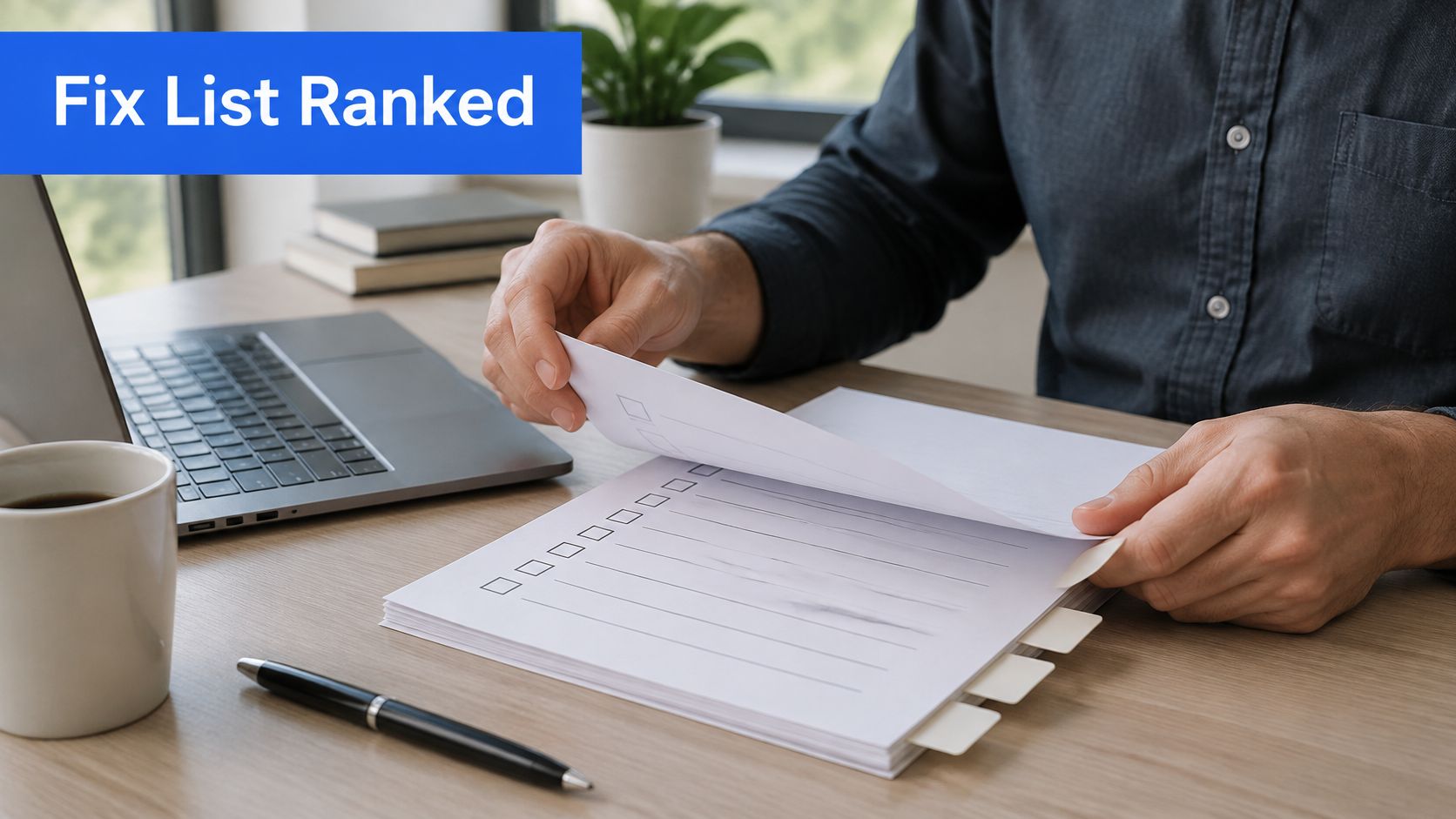
Turning Findings into a Ranked Fix List
- Log the evidence. Record the page address, relevant template, observed failure and supporting material, such as an indexing report entry or task-test note.
- Mark the extent. Identify whether the fault affects an individual page, a shared template or the whole site.
- Estimate the effect. Rate the likely consequence for visibility, usability or enquiries as high, medium or low.
- Estimate the effort. Include investigation, implementation, testing and any dependence on another person or system.
- Sort by effect, then effort. Bring high-effect, straightforward repairs forward without neglecting serious faults that require more work.
- Assign responsibility. Name the person handling the change and define what successful validation will look like.
- Retest after changes. Use the relevant search reports, browser checks and phone journeys, rather than assuming publication means resolution.
A blocked service page should generally outrank a slow decorative image on an infrequently used article. Both may appear in the same report, but they don't have the same relationship to winning work.
A useful report makes that reasoning visible. Otherwise, an owner may spend the available maintenance budget clearing easy warnings while a broken enquiry form remains untouched.
Use priorities rather than false precision
The following is a worked prioritisation example, not a universal scoring system. Actual effort needs confirmation after diagnosis, and the importance of an affected page can change its position.
Ranking common audit findings by effect and effort
| Finding |
Effect on visibility or enquiries |
Effort to fix |
Priority |
| Key pages blocked by robots.txt or noindex |
High |
Low |
Fix first |
| Missing redirects after a site move |
High |
Low to medium |
Fix first |
| Contact form fails on a phone |
High |
Low to medium |
Fix first |
| Oversized hero image slowing the main content |
Medium |
Low |
Fix next |
| Weak title on a page shown in results but not clicked |
Medium |
Low |
Fix next |
| Images without set dimensions causing layout shift |
Medium |
Low |
Fix next |
| Third-party widget delaying taps |
Medium |
Medium |
Schedule in the next month |
| Full navigation redesign |
Medium to high |
High |
Plan as a separate project |
The priority should include a reason. For example, an enquiry form that fails only on the business's main paid-traffic landing page may deserve immediate attention despite affecting a narrowly defined part of the site.
Be candid about what the audit cannot predict
An audit can establish that a form fails. It can't calculate exactly how many customers would have submitted it without reliable supporting evidence.
Likewise, correcting indexing instructions makes a page eligible for consideration; it doesn't guarantee rankings. Improved enquiry journeys can remove obstacles, but they can't establish whether prices, availability or the underlying offer meet customer needs.
Practical rule: A finding is ready for action only when someone can explain the fault, implement a remedy and check the result.
The first maintenance cycle should contain a manageable shortlist of the highest-priority repairs. Longer projects need their own scope, while completed changes need a record of what happened and whether the original problem was resolved.
Choose Between a Self-Run Audit and a Free Review
A self-run audit suits a small, manageable website when the owner can access search reports, edit content and test enquiries. A spreadsheet, indexing information, a phone on mobile data and a realistic customer task can establish a useful starting point.
The limitation is diagnosis. An owner may spot that a page is missing from search without knowing whether the cause is an instruction, an alternative address or a content issue. Uncertain technical changes are better investigated than guessed.
Match the route to the work
- Owner-led maintenance suits straightforward content corrections and routine checks when someone has time to keep records and retest changes.
- A website builder can suit an owner who wants direct control over standard layouts and content without deep technical involvement.
- An agency or specialist can suit a complex migration, specialist accessibility assessment or ongoing programme requiring coordinated implementation and reporting.
Operosus offers a free website review that takes about 30 seconds. A business pastes its web address and sees its speed on a phone, search basics, the searches it already appears for and what an AI assistant tells customers about it.
Owners can also see in their account the same view Nia works from: how often the site appeared in Google, how often it was clicked, visitors and enquiries. That shared view helps connect observations with business outcomes.
The review is a starting point, not a substitute for manual task testing, a complete technical investigation or a ranked implementation plan. A sensible first action is to run the enquiry task independently, then use the free website review for an additional check or contact the team about faults needing investigation.
Operosus offers a free website review to help small businesses examine mobile speed, search basics and existing visibility. Visit Operosus to start the review and identify which parts of the website deserve a closer look before committing to changes.
