A business relaunches its website with sharper photographs, clearer navigation and a much better-looking homepage. Within a month, enquiries slow down. Only later does the owner discover that nobody mapped the old service pages to their replacements, so customers following established search results reach missing pages.
Website migration SEO is about preserving those journeys while the site changes. The main risks sit in broken URL continuity, incorrect redirects, technical blocks and altered content, not in the new colour scheme. A controlled move records what already works, decides what happens to every old address and gives someone responsibility for checking the results.
Table of Contents
Migration Checklist From Planning to Year One
A migration might involve a new domain, a different publishing system, changed page addresses or a substantial rebuild. The owner should establish which changes are happening before approving the schedule. A hosting-only move doesn't require the same URL work as a complete restructuring.
The table below is a suggested working timetable, not a promise about how quickly search performance will settle. Its purpose is to put evidence gathering before design sign-off and technical testing before release.
Migration checklist by phase
| Phase |
Task |
Why it matters for SEO |
| Four to six weeks before launch |
Crawl the live site and export URLs, titles, traffic and links |
Creates the baseline for comparison after launch |
| Four to six weeks before launch |
Build the complete old-to-new URL map |
Shows every page needing a destination or deliberate retirement |
| Two weeks before launch |
Triage URLs and sign off each redirect, consolidation or retirement decision |
Stops irrelevant redirects being created by default |
| Before launch |
Test redirects on staging, check canonicals and prepare removal of temporary noindex or robots.txt blocks from production |
Prevents accidental blocking of the new pages |
| Launch day |
Set permanent 301 redirects and submit the updated XML sitemap |
Helps search engines discover replacement pages |
| First two weeks |
Check Search Console for not-found errors, incorrect redirects and crawl spikes |
Identifies migration faults while the team can respond |
| One to three months |
Compare clicks, impressions and enquiries page by page against the baseline |
Separates localised damage from broader movement |
| Year one onwards |
Keep permanent redirects working and review traffic to old URLs |
Preserves access through existing links and established search journeys |
The timetable needs named owners, not just completed boxes. The developer might implement redirects, while the business owner confirms that replacement pages describe services still offered. Someone with access to Search Console must own monitoring.
For a platform-led move, Shugert Marketing's replatforming process provides a useful process reference when discussing the scope of a rebuild. The important distinction is between transferring a website's appearance and transferring its content, addresses and customer journeys.
Planning rule: A launch date shouldn't become a reason to leave commercially important URLs undecided.
Save the table as a working checklist, add responsibility and sign-off columns, and retain a copy with the project records. Keep the staging site protected during development; removing launch-blocking settings belongs in the production release procedure, not in an early public preview.
How to Map Every Old URL to a New Home
The government's move from Directgov and Business Link to GOV.UK offers a useful example of page-level planning. During the 2012 launch, the Government Digital Service mapped and redirected search traffic to 2,380 different pages, directing people towards the closest relevant replacement content.
A small service business needs the same principle, even with a much smaller site. Someone searching for boiler repairs should reach boiler-repair information, not a homepage that leaves them searching again.
Build the inventory before choosing destinations
Collect the existing addresses. Combine a crawl of the live website with its XML sitemap, content export and available indexing records. A sitemap alone isn't proof that every valuable page has been found.
Add pages with evidence of demand. Export landing pages from Search Console and analytics, then include addresses receiving backlinks. An old guide can still attract customers even after someone removes it from the main navigation.
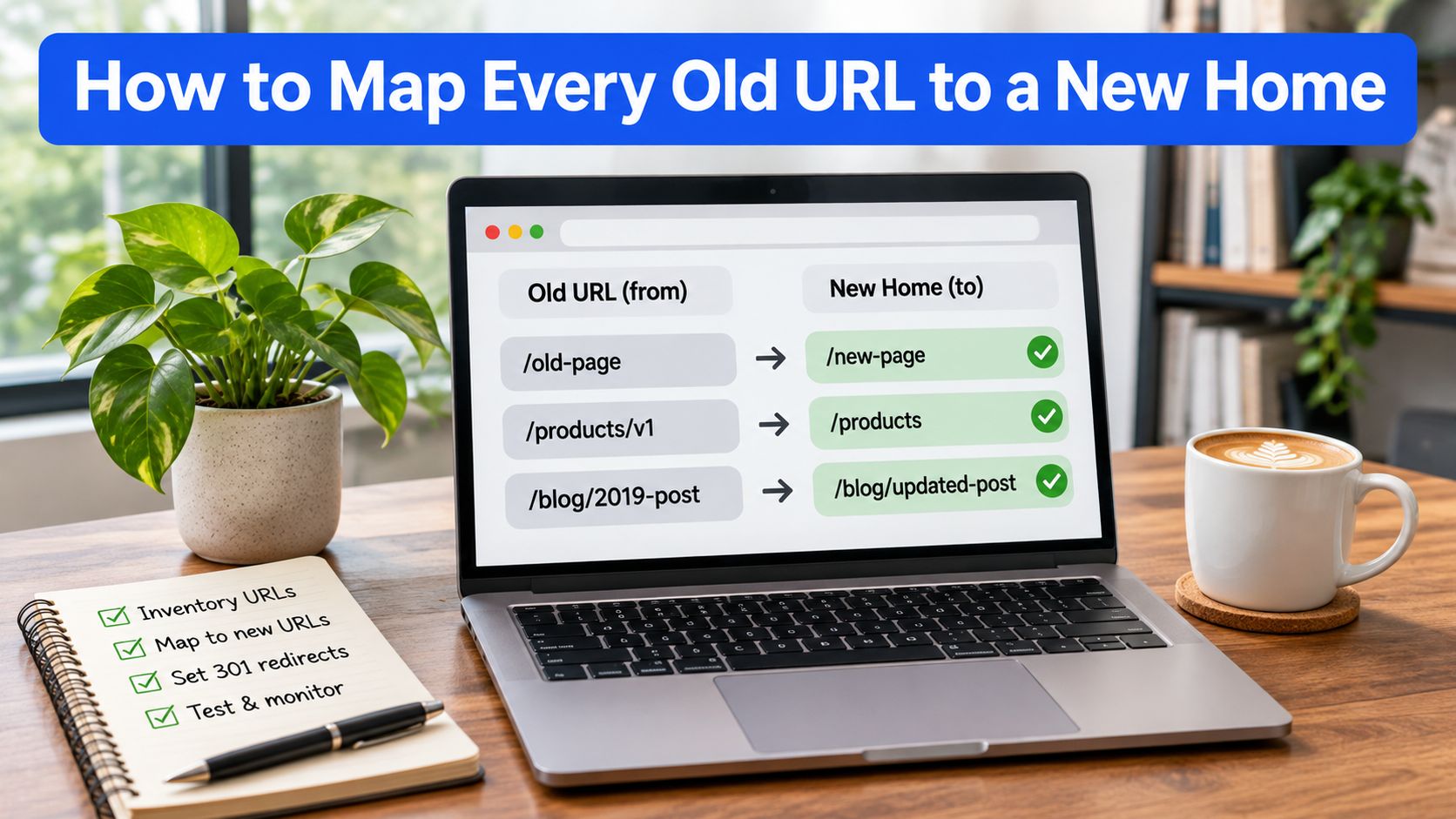
Match the purpose, not the wording. Pair each old page with the new page serving the same service, product or location. Similar page titles aren't enough if the destinations answer different questions.
Flag uncertain matches. Leave an explicit decision-needed status where no equivalent exists. Filling the cell with the homepage merely hides an unresolved content decision.
Check existing redirects. An older address may already forward to another page that is also moving. Update the route so it reaches the final destination directly, rather than through a chain.
Record accountability. Store the old URL, new URL, decision, owner and decision date in a shared spreadsheet. Include evidence and implementation status so the document remains useful after release.
A 301 redirect tells browsers and search engines that an address has permanently moved. The map specifies where that move should lead; the developer then implements and tests it.
A plumber's mapping problem
Suppose a plumber replaces a broad services page with separate pages for boiler repair, drain clearance and emergency call-outs. The old services address can't automatically send each visitor to a different destination based on their original intention.
A useful solution is to retain a relevant services overview that links clearly to the new specialist pages. Any existing dedicated boiler-repair address can move directly to its new equivalent.
The completed map is the migration's main decision record. Redirect rules, content checks and post-launch comparisons all depend on its accuracy.
Deciding What Each Old URL Deserves
Keeping every URL isn't automatically safer. A discontinued service page redirected to an unrelated homepage can frustrate visitors without preserving a meaningful search journey. A useful replacement page, consolidation or deliberate removal may be more appropriate.
Google's site-move guidance recommends relevant destinations and warns that irrelevant redirects can be treated as soft 404s. That means a page may technically redirect while Google treats the result as effectively missing.
Redirect decision by URL situation
| URL situation |
Evidence to check |
Recommended action |
| Page has a close replacement |
Clicks, backlinks and conversions |
Permanent 301 redirect to that replacement |
| Service discontinued with no equivalent |
Enquiries and search queries |
Write a genuinely useful replacement page, or redirect only to a relevant alternative service |
| Old page with no relevance to the new site |
Backlinks and indexed status |
Return 410 rather than redirecting to an unrelated page |
| Location page for a town no longer covered |
Local enquiries and impressions |
Redirect only if the destination genuinely covers that area; otherwise return 410 |
| PDF or downloadable document |
Downloads and links into the file |
Redirect to the HTML equivalent or host the file at its new address |
| Image or media file |
Image search traffic and links |
Keep the file at its URL or redirect to the replacement asset |
| Seasonal page with low off-season demand |
Traffic and enquiries by month |
Keep it live; redirect only where a clear successor exists |
| Thin or duplicate page |
Content quality and overlapping queries |
Merge useful material into a stronger page, then redirect the weaker versions |
Judge business value, not visits alone
For every uncertain address, review Search Console clicks and impressions, analytics conversions, backlinks, indexed status and customer importance. None of those signals should decide the outcome in isolation.
A specialist consultancy page might receive few visits but generate valuable enquiries. A popular informational article might attract many readers who never need the firm's services. Removing the former because it looks quiet would confuse traffic volume with commercial usefulness.
Seasonal pages need a longer view. A page about winter heating faults shouldn't be judged only on summer demand, and a downloadable specification may matter because customers circulate it privately rather than find it through navigation.
A backlink is a reason to investigate a page, not a reason to send its visitors somewhere irrelevant.
A 410 response indicates deliberate removal. The visitor-facing page can still explain that the content has gone and offer useful navigation, while the server returns the correct status.
For discontinued services, replacement content must remain honest. A page explaining the change and offering a genuine alternative can help; a thin page pretending the old service remains available cannot.
Record each decision and its reasoning in the map. That gives the owner a defensible answer when someone later asks why an address was merged, redirected or retired.
Titles, Descriptions and Structured Data to Preserve
A rebuild can alter search listings without anyone deliberately requesting it. Templates may replace specific titles with generic business names, omit descriptions or change headings to fit a new design.
A changed title can also affect clicks even when visibility remains broadly similar. Before release, export the old titles and descriptions, match them to the replacement URLs and flag changes in the main service, location or search intent.
Preserve meaning through the template change
Retain applicable structured data. Check that relevant business or service markup survives and still describes visible, accurate content. This explanation of structured data helps distinguish machine-readable information from the words customers see.
Give each key page a clear main heading. A practical editorial standard is a single descriptive H1. That isn't a claim that additional H1s automatically cause a ranking penalty; it makes missing or ambiguous service headings easier to catch.
Compare the heading hierarchy. A boiler-repair page shouldn't become a generic heating page just because the new template uses shorter labels. Subheadings should still explain the problems addressed, coverage and next steps.
Preserve useful body content. Keep the owner's proven service explanations unless there is an agreed reason to change them. Check qualifications, service areas, proof, image descriptions and internal links as well as the opening paragraph.
Separate migration from optimisation
Keep a proven title on a page that already earns relevant clicks, unless it is inaccurate or out of date. Pages with substantial impressions but weak click-through deserve investigation, not an automatic rewrite.
A low click-through rate might reflect an unhelpful title, but it can also reflect query mix or a less prominent search position. Compare like-for-like queries before deciding that the wording is responsible.
Make title changes individually where practical and record the date and reason. Rewriting titles, removing service detail and changing navigation simultaneously makes a later fall harder to diagnose.
Content safeguard: A visual redesign doesn't require the business to discard the explanations that help customers choose it.
Canonical tags and sitemap entries require separate technical checks. They shouldn't be assumed correct merely because the visible page looks finished.
Redirects, Sitemaps and Launch-Day Checks
Google's migration guidance recommends server-side permanent redirects to mapped replacement pages, retained for as long as possible and generally for at least one year. It also warns that crawling may increase after launch because the server handles both normal requests and requests redirected from the old site.
That makes server capacity part of migration preparation. A correct redirect won't help much if the destination repeatedly fails to respond.
Run the production checks in order
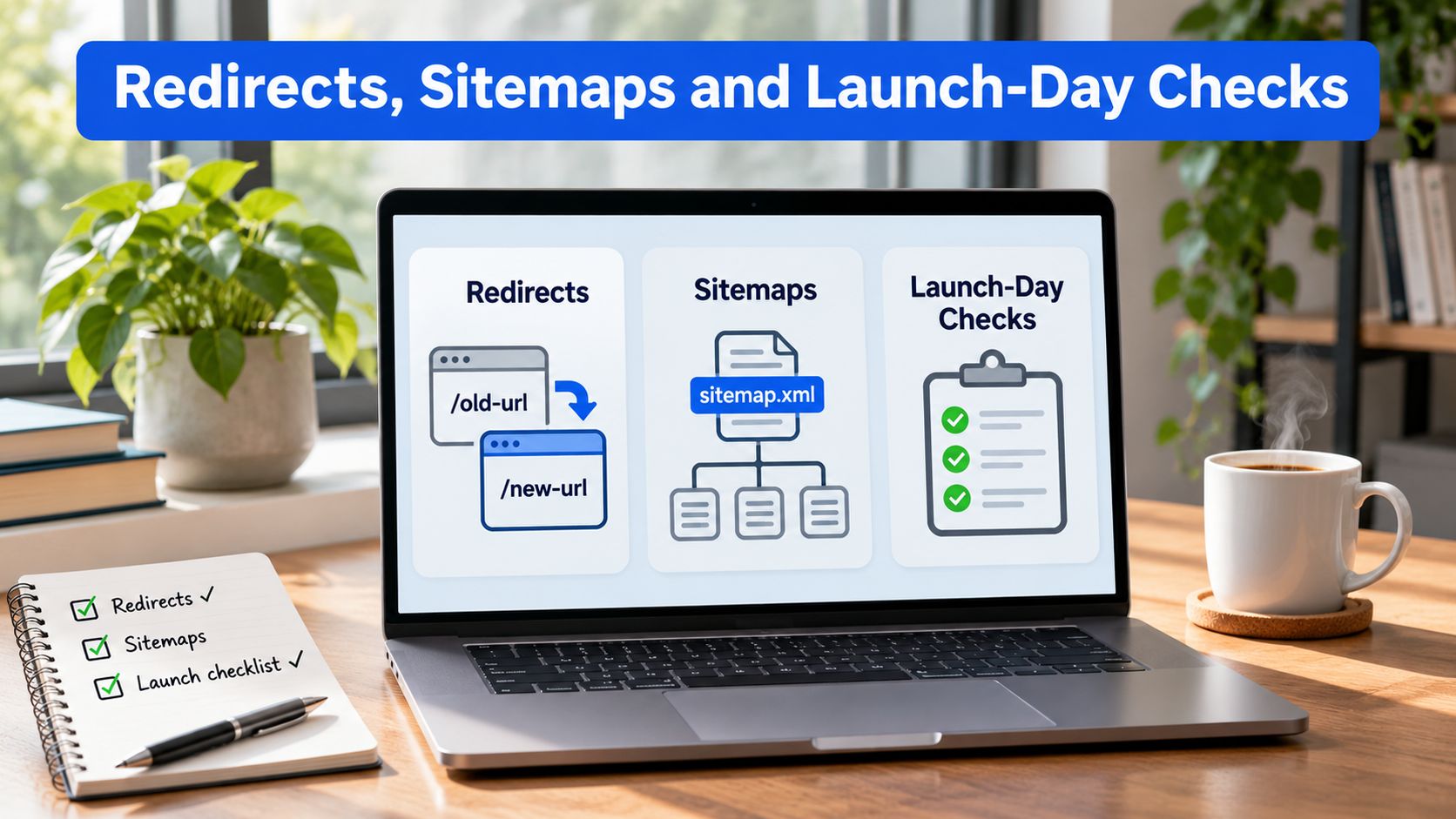
Test the old URL list. Each moved address should return a 301 directly to its intended live destination. Check the final response as well as the redirect, since a successful redirect can still lead to a missing page.
Remove accidental production blocks. Inspect robots.txt, page-level noindex tags and relevant response headers. Confirm that search engines can access the content and resources needed to render it.
Verify canonical tags. These identify the preferred address for a page. They shouldn't point to staging, an obsolete domain or an unrelated homepage.
Submit the updated XML sitemap. Include live, canonical, indexable replacement URLs. A sitemap example helps the owner recognise what the submitted file should contain.
Review old sitemap references. Remove obsolete references from the new site's configuration. An old sitemap deliberately retained for migration monitoring is different from a stale sitemap accidentally presented as the current inventory.
Inspect priority pages in Search Console. Check live accessibility and request indexing where appropriate. A request isn't a guarantee of immediate indexing.
Monitor server behaviour. Watch response times and error logs closely during the initial launch period. Investigate failed requests before interpreting every movement as a ranking issue.
For checking how permanent redirect rules behave, 301 redirect advice from Riff Analytics provides an additional implementation reference.
Match the procedure to the move
A domain change needs additional search-property administration. A hosting change with unchanged public addresses doesn't need new page-to-page redirects because the server changed.
During the initial monitoring period, the release owner should inspect availability, redirects and tracking daily. After the site remains technically stable, scheduled weekly reviews can focus on indexing, landing-page performance and enquiries, with immediate investigation whenever a critical fault appears.
Diagnosing a Traffic Drop After Launch
A temporary traffic fall isn't proof that redirects failed. A migration may change URLs, copy, templates, consent tools, hosting, opening hours and local business information together. Those changes can affect search demand, measurement and conversion in different ways.
Google's Change of Address guidance distinguishes domain moves from hosting changes and reserves the Change of Address procedure for supported domain or subdomain moves. Applying a domain-move remedy to an unchanged-address hosting move won't explain a broken enquiry form.
Establish a controlled comparison
- Mark the release date. Annotate reports and record subsequent fixes separately, so later improvements aren't attributed to the wrong change.
- Preserve the baseline. Keep pre-migration exports rather than relying entirely on live dashboards. The Month17 search console archive is a useful reference for retaining Search Console history.
- Separate query groups. Compare branded searches with non-branded service searches, then inspect individual landing pages rather than site-wide average position.
- Segment the audience. Review UK locations and devices using the available reports. Search Console supports country and device comparisons; town-level questions need suitable analytics, local performance records and enquiry information.
- Compare clicks with outcomes. Check calls, forms and bookings alongside organic search clicks. Tracking changes can alter reported enquiries without changing actual demand.
Post-launch symptoms, likely causes and next checks
| Symptom |
Likely cause |
Next check |
| Clicks fall on migrated pages and old URLs return 404 |
Missing or wrong redirect |
Crawl the old URL list and confirm a 301 to each relevant replacement |
| Impressions stable but clicks down |
Changed titles, descriptions or search-result context |
Compare listing text, query mix and positions |
| Clicks stable but enquiries fall |
Broken contact form, call link or tracking |
Test forms, phone links and analytics events |
| Branded queries hold, non-branded queries fall |
Changed content or relevance on key pages |
Compare landing-page content and internal links |
| Sudden drop across all pages |
Robots.txt block, noindex tag or server problem |
Check crawl access, indexing directives and server responses |
| Gradual dip over several weeks |
Possible volatility or seasonality |
Compare equivalent seasonal periods and affected queries |
| Drop limited to a town or device |
Possible local information or mobile layout issue |
Compare device reports, local records and mobile functionality |
Set escalation rules before launch
Use fault-based thresholds rather than an invented universal traffic percentage. Any confirmed indexing block, failed priority redirect or broken enquiry route warrants immediate escalation to the person responsible.
A gradual dip with functioning pages and a convincing seasonal explanation can remain under observation. A persistent decline across comparable reporting periods on commercially important pages needs a documented investigation, even if overall traffic looks acceptable.
These are operating rules, not recovery guarantees. Fix the confirmed redirect, block, content loss or tracking fault first, then inspect affected URLs again and request indexing where appropriate.
A full rollback shouldn't be the default response. It can reverse valid fixes and introduce another set of URL changes, so it belongs in a controlled incident decision rather than a reaction to an unsettled graph.
Confirm the Map Before You Switch
Launch approval should depend on evidence, not on whether the homepage looks finished. The owner needs a clear go-or-no-go decision that covers existing demand, technical readiness and responsibility after release.
The sign-off conditions
- Every valuable old address is accounted for. Pages earning clicks, backlinks or enquiries have a recorded destination or a deliberate retirement reason.
- The release has passed technical testing. Redirects have been tested in the staging setup, production checks are assigned, and temporary indexing blocks won't reach public pages.
- The baseline and monitoring owner are confirmed. Exports are saved somewhere accessible, and a named person will review Search Console and enquiries after launch.
Mobile performance belongs in that approval too. In SEO Caddy's 2025 study of 439 UK small and medium-sized businesses, 42% of surveyed UK SMEs met Core Web Vitals standards, according to the UK SME SEO report. That sample isn't a diagnosis of an individual business, but it supports checking the new templates rather than assuming a newer design will be faster.
Operosus builds small business websites by hand, brings existing pages and posts across with redirects, and checks changes before they go live. That process should still produce an inspectable map and clear sign-off, rather than asking an owner to accept assurances.
A website builder or simple template may suit some businesses better. The same migration discipline applies whichever route the owner chooses: preserve useful content, test the move and keep enough evidence to explain the outcome.
Operosus offers a free website review covering phone speed, search basics, existing search queries and what an AI assistant tells customers about the business. Business owners planning a move can visit Operosus before the URL map is frozen, with a call arranged if helpful to discuss what the website needs to achieve and how customers find it now.